
Understand and prepare an iSCSI disk
iSCSI presents your system with a block device, whereas SMB provides a file share.
Mis à jour le 29 October 2026
Open the configuration page
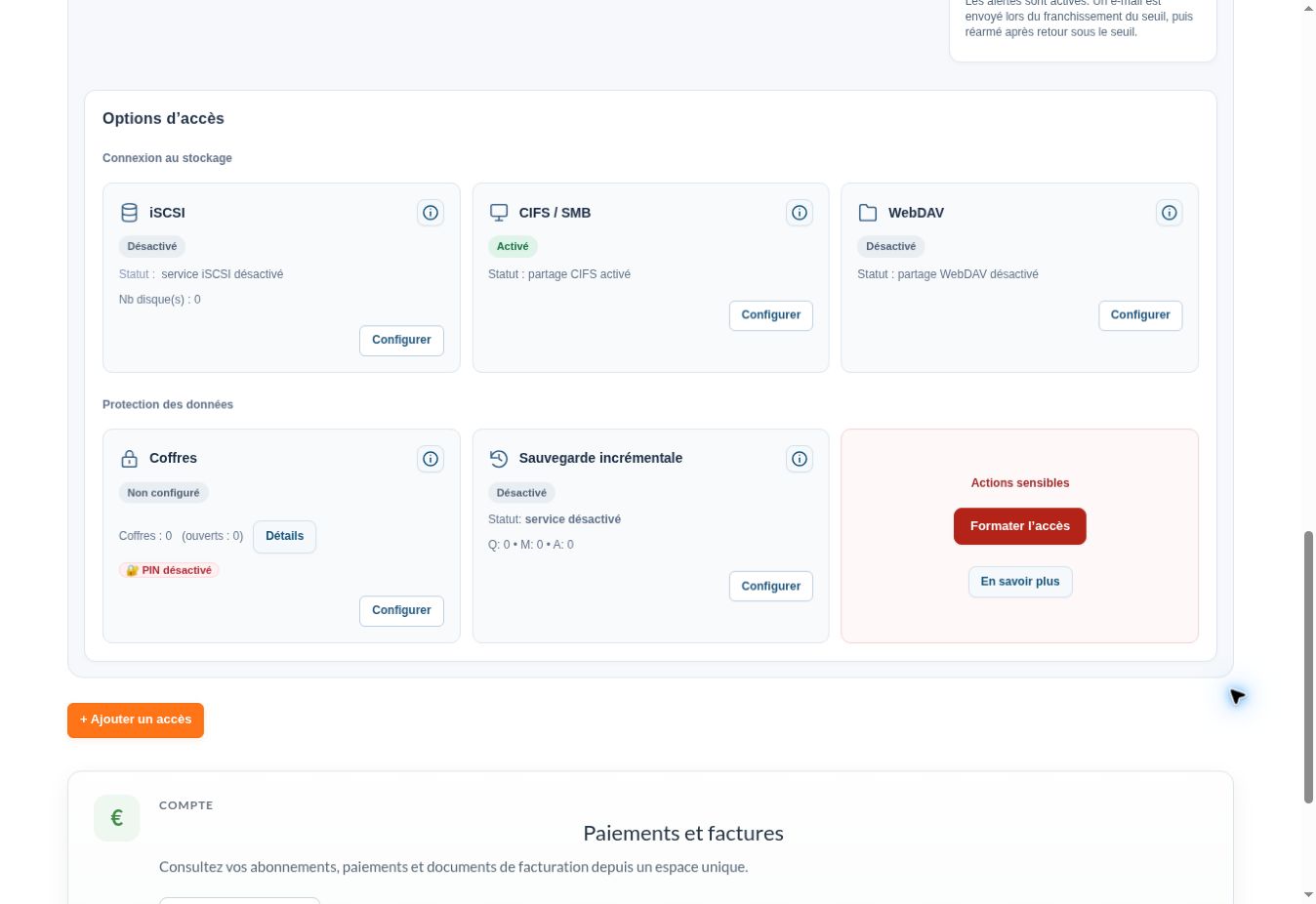
- Under “My access”, locate the relevant entry, select “Manage”, then choose “Full” view.
- Select “Configure iSCSI”.
- If the service is off, select “Enable iSCSI” to request activation.
- Wait for the operation to finish before continuing.
Connect to an active target
The page shows the server, target and CHAP username. The password is hidden, and you can reveal it on your screen. Enter these values in your iSCSI initiator. Verify the exact LUN before initialising or formatting it.
Add a disk
- Check the available space. If the page says “You do not have enough free disk space”, you cannot add a disk until more space is available.
- Under “Add a new disk”, use “Disk size” to choose a size within the displayed range. The configurator requires at least 5 GB.
- Select “Add disk” and wait for creation to finish.
- Check the new entry for the disk name, LUN, size and status.
What to expect
A usable disk appears with its LUN number and the status “ready”. If the request has only been accepted or is still processing, the disk is not ready yet.
Disable and delete disks
Disconnect the initiators and stop writes before selecting “Disable all disks”. Active disks cannot be deleted. After disabling them, check the name and size of the disk before deleting it. Deleting it will erase its contents.
If something looks wrong
Wait for any current operation to finish before submitting another request. Available space accounts for storage reservations. If there is even slightly less than 5 GB available, you cannot create a 5 GB disk.
Usage precautions
Only mount the same LUN for writing on several machines if you use a suitable cluster file system. Dedikam’s selective file restore excludes iSCSI, so arrange a backup appropriate for the contents of the disk.
Need a hand?
Tell us which storage account or service is affected and what message you see. Our team will help.
Sign in to contact support