
Understanding levels N1, N2 and N3
Your level determines how your storage is replicated. The customer portal’s display settings are separate.
Mis à jour le 29 October 2026
Compare the levels
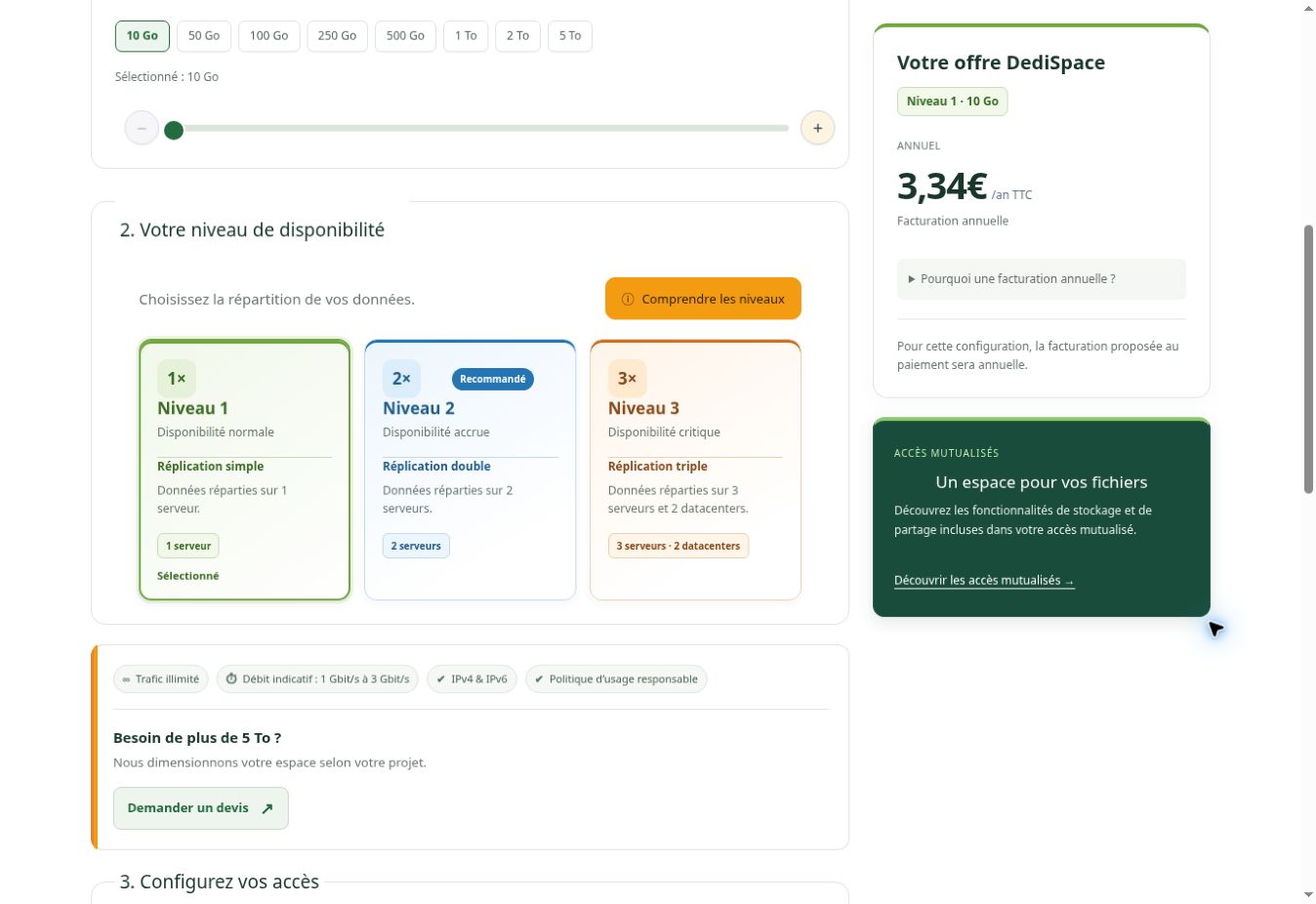
N1 stores one copy on one server. N2 stores two copies on two servers. N3 stores three copies across three servers in two data centres. The configurator recommends N2 for improved availability.
Replication and backups
Replication helps keep data available. Deletions and edits can also be replicated. To recover an earlier version, use a backup restore point.
Change your level
You may be able to upgrade during your subscription. Downgrades are available only at renewal, subject to the terms shown.
Need a hand?
Tell us which storage account or service is affected and what message you see. Our team will help.
Sign in to contact support