
Create multiple storage spaces in a group
A group lets you set up several spaces with the same capacity and availability level.
Mis à jour le 29 October 2026
Prepare the email list
Enter an email address for each space. You can repeat an address when one person manages several spaces. Use separate addresses for different recipients.
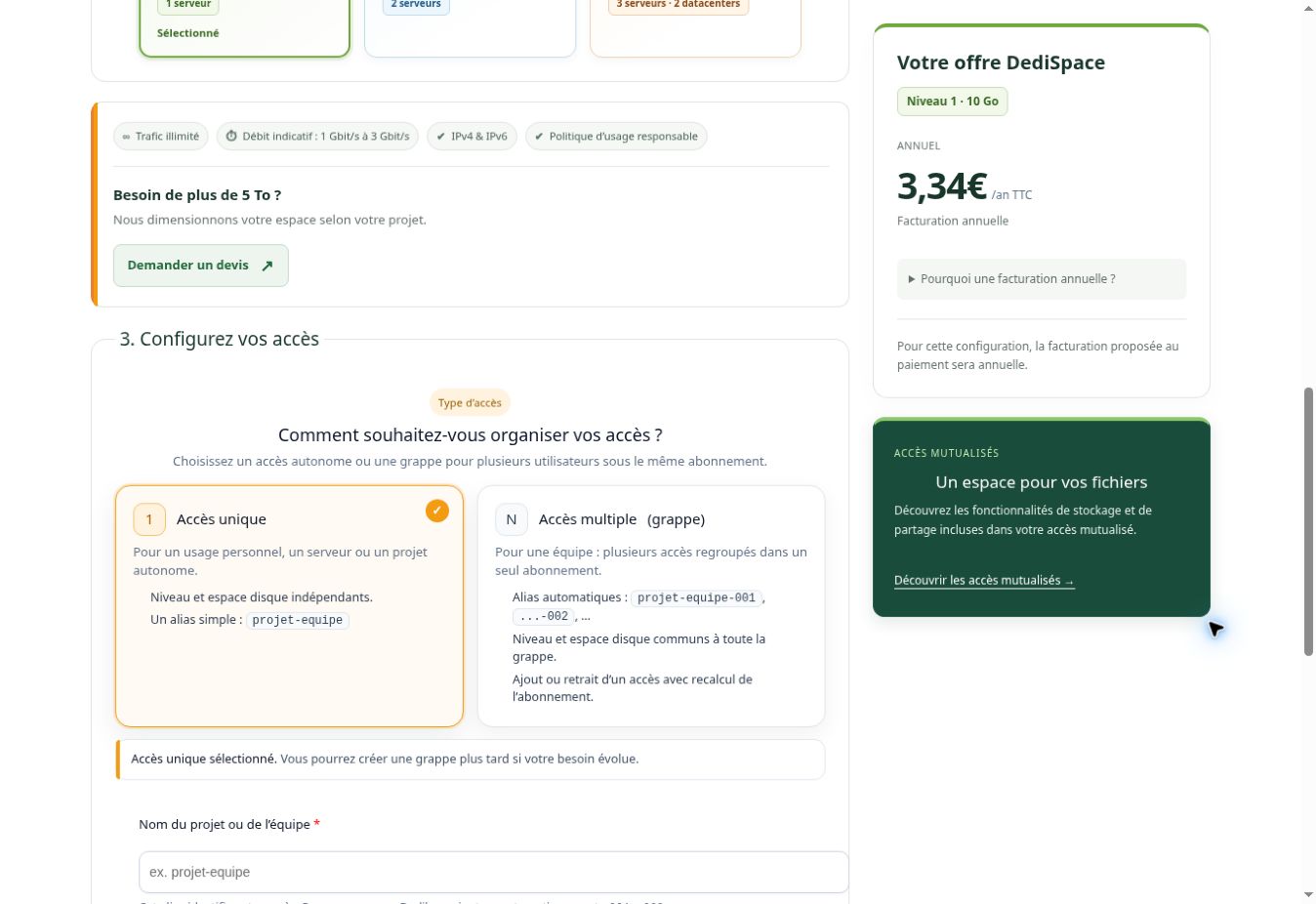
Configure the group
- In the configurator, select group mode and choose the required number from the available options.
- Enter the project or team name. Each alias receives a numbered suffix.
- Paste one email address per line or import a TXT or CSV file up to 512 KB. Put the email address in the first column. An “email” header is accepted.
- Check the number of addresses, the capacity per space and the total before completing the order.
After creation
Each storage space has its own ID and details. Contact support if the change you need for a multiple-access subscription is unavailable online.
Need a hand?
Tell us which storage account or service is affected and what message you see. Our team will help.
Sign in to contact support