
Find and configure your options
Some included features need to be activated or configured before use.
Mis à jour le 29 October 2026
Open the right configuration tool
- Open “My access” and check the storage ID.
- Switch to Full view to see all options.
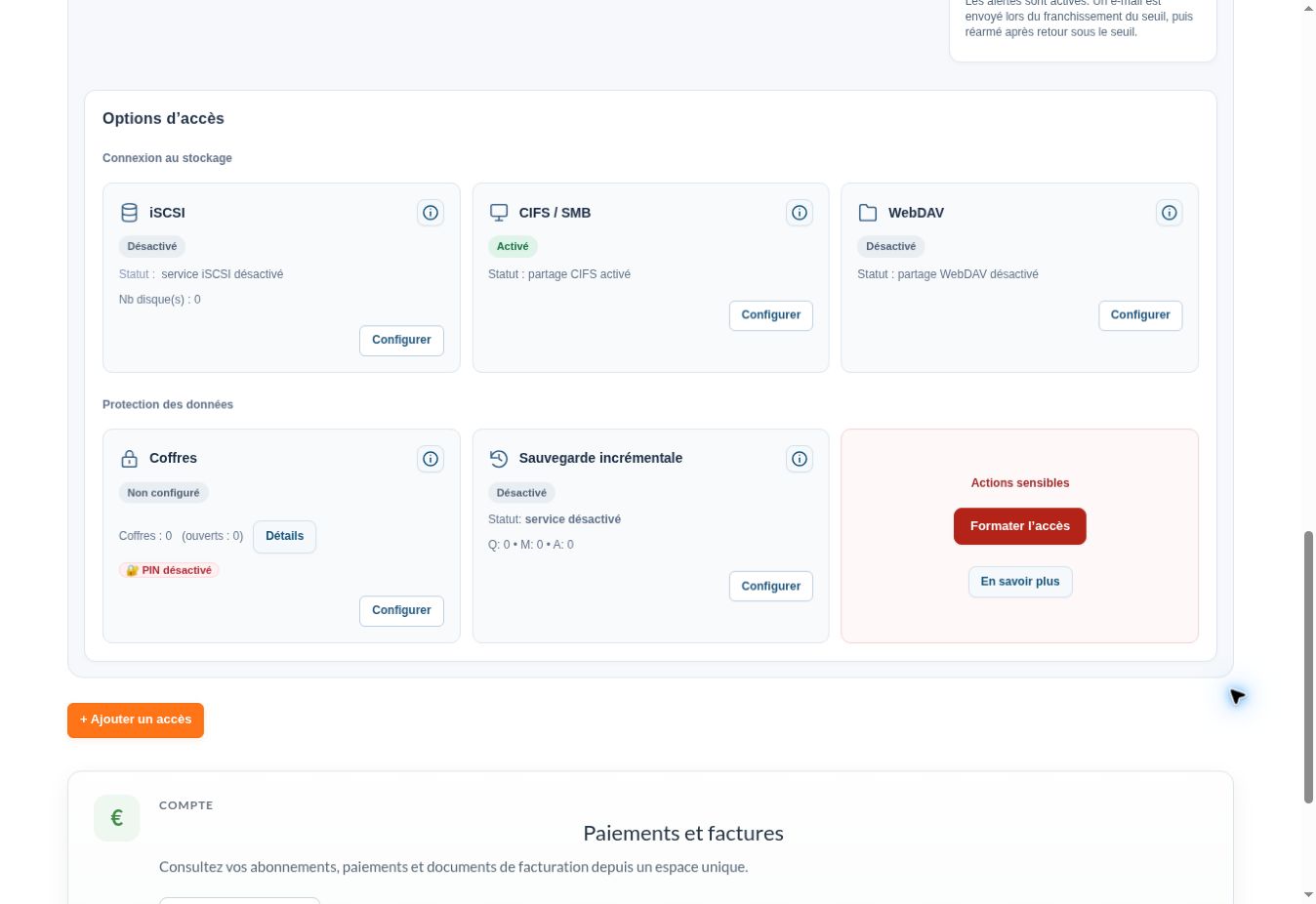
- Open the configuration tool for CIFS/SMB, WebDAV, iSCSI, vaults or backups, as needed.
- Read the status and available settings before confirming an action.
- Wait for processing to finish before reconnecting your software.
Activation and removal
Temporarily disabling an option and deleting its configuration have different effects. Read the confirmation message. Some operations delete data or require you to set up the option again.
Web application
When Nextcloud or SFTPGo is available, open it using its icon in your storage space.
What to expect
The configuration tool opens for the selected space. Its status shows whether the option is active, disabled or being processed. Opening this page alone does not change the service.
Need a hand?
Tell us which storage account or service is affected and what message you see. Our team will help.
Sign in to contact support